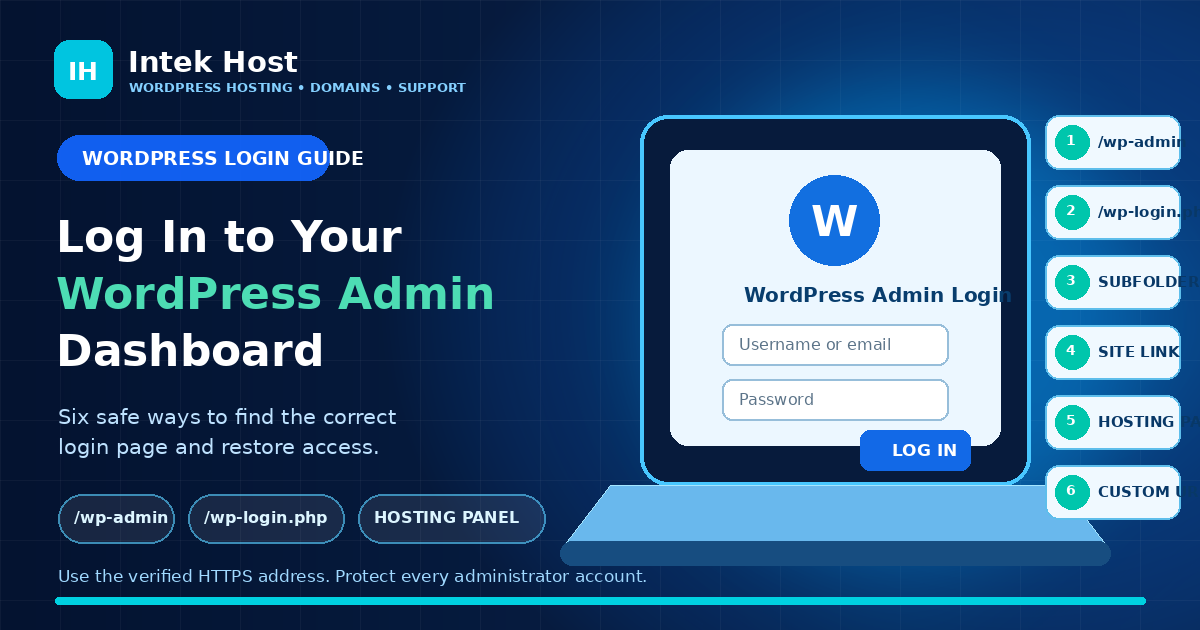
WordPress Tutorials · Aug 4, 2026Learn six safe ways to reach your WordPress admin dashboard, including /wp-admin, /wp-login.php, subfolder installations, front-end login links, hosting-panel access and custom login URLs. The guide also explains password recovery, Recovery Mode, and common login problems.
Email Hosting · Jul 26, 2026A professional email address uses your own domain, such as hello@yourbusiness.com. Learn how it supports a consistent brand, clearer team communication and better account control, plus the DNS and authentication settings that help legitimate messages be recognised.
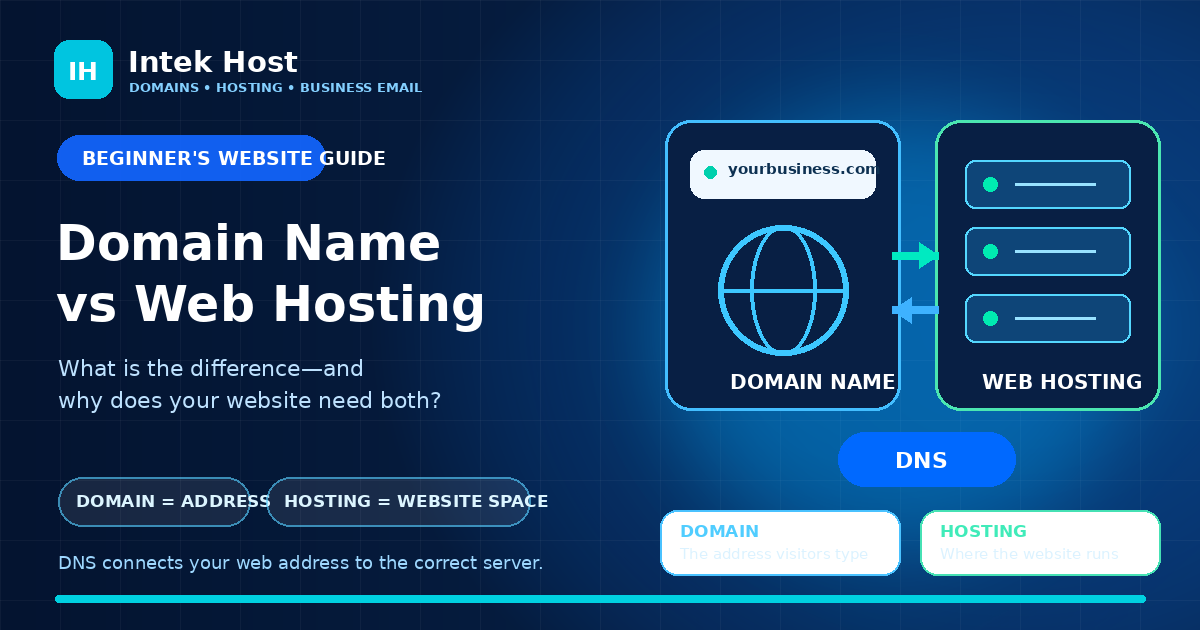
Domains & Hosting · Jul 26, 2026A domain name is the address people type to find your website, while web hosting stores and serves the files that make the website work. Learn how domains, DNS, nameservers, hosting and business email connect—and what you need before launching a website.
Website Security · Jul 26, 2026An SSL certificate helps your website use HTTPS, protecting information as it moves between visitors and your server. Learn what SSL really does, what it does not do, how to avoid mixed content and certificate errors, and why every serious business website should use HTTPS.
Website Tutorials · Jul 26, 2026Moving your website does not have to interrupt your business. Follow this practical step-by-step guide to back up your site, copy files and databases, test the new hosting, update DNS, and keep your website and email working throughout the migration.
Web Hosting · Jul 26, 2026Choosing the wrong hosting plan can make your website slow, unreliable and difficult to grow. Use these 10 practical tips to find secure, dependable web hosting that fits your business, customers and budget in Ghana.